I Bought A New Cricut
- Published:
- Length: 872 words
- Reading Time: 5 minutes
Well everyone, it's been nine years since I bought my first Cricut, an Explore Air 2, back in 2017. This past weekend, I finally purchased a replacement: the newest version of the same model, an Explore Air 4. So let's talk about it: why it took me so long to purchase an upgrade, what I bought, and what I think of the new machine.
Out with the old...
My Explore Air 2 has been an absolute workhorse of a machine.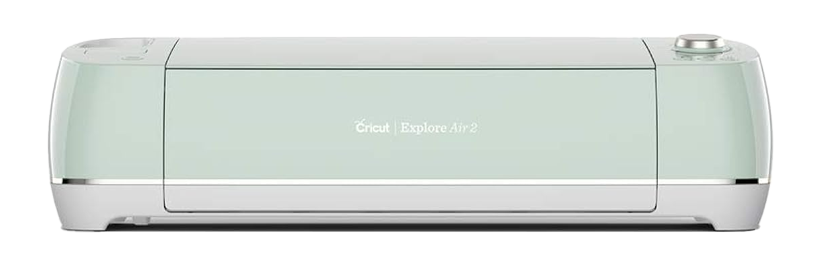
I was thinking back over the past nine years and all of the projects this machine has helped me create. It adds up to hundreds of thousands of pieces of fabric, which total tens of miles of cutting. My Explore Air 2 has saved me a collossal amount of time and effort. This one device has unquestionably given me the best return for $250 that I have ever spent in my entire life. And it still works!
So why replace it?
The short answer is that it's becoming unreliable. The longer answer is that two different situations have come up repeatedly that have caused me to start thinking my Explore Air 2's longevity.
- Several times now, my machine has displayed the "red ring of death". The "red ring of death" is when the lighted circle around the Start button lights up in red, a visual indication that the machine is inoperable. Fortunately, this situation has not occurred during an active cut, and it has been remedied by a simple on/off restart. But even so, it's concerning.
- I've begun having to adjust the blade pressure setting after every 2-3 cutting layouts because I'm getting inconsistent results. The goal is for the blade to cut through the fabric and fusible but not into the sticky mat. I've been having to gradually increase the blade pressure to achieve that result, making me think the mechanism holding the blade is finally wearing out.
These two things made start thinking about a replacement.
...In with the new
I had two projects to cut this past weekend, and since neither was for a show quilt, I felt they would be good tests for a new machine. So I purchased the newest model in the Explore Air line of machines. It's the upgraded version of my current model.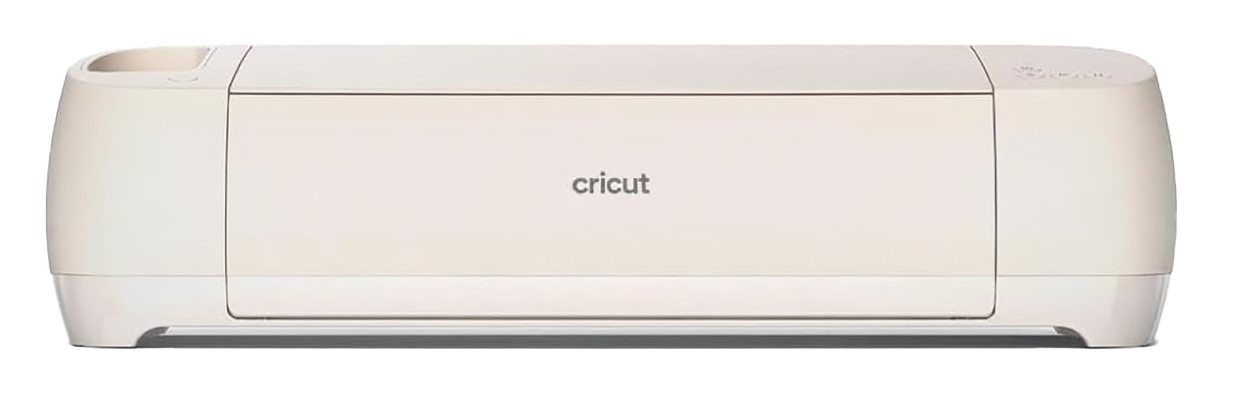
I opted for another Explore Air instead of the Cricut Maker for three reasons:
- I have no need of the Maker's extra capabilities. I will be cutting fabric using the basic, Fine Point Blade, and that's it.
- The Explore Air 4 weighs 4.2lbs less than the Maker.
- The Explore Air 4 is $250 MSRP, but I found it on sale for $200. The Maker is $400 MSRP.
Once it arrived, I put it to the ultimate test.
The performance
Cutting extremely fine pieces of fabric is always the most difficult, because very fine pieces of fabric that are barely more than 1/16" in width are quite prone to shredding. My Spotlight Auction design was a stained glass dragon, so the black caming was perfect to see if my new machine was up to snuff.
In my stained glass designs, the black caming is on top of the color. The black lines are 1/16-1/8" in width. It's a very tricky design to cut, but my new Explore Air 4 was up to the task.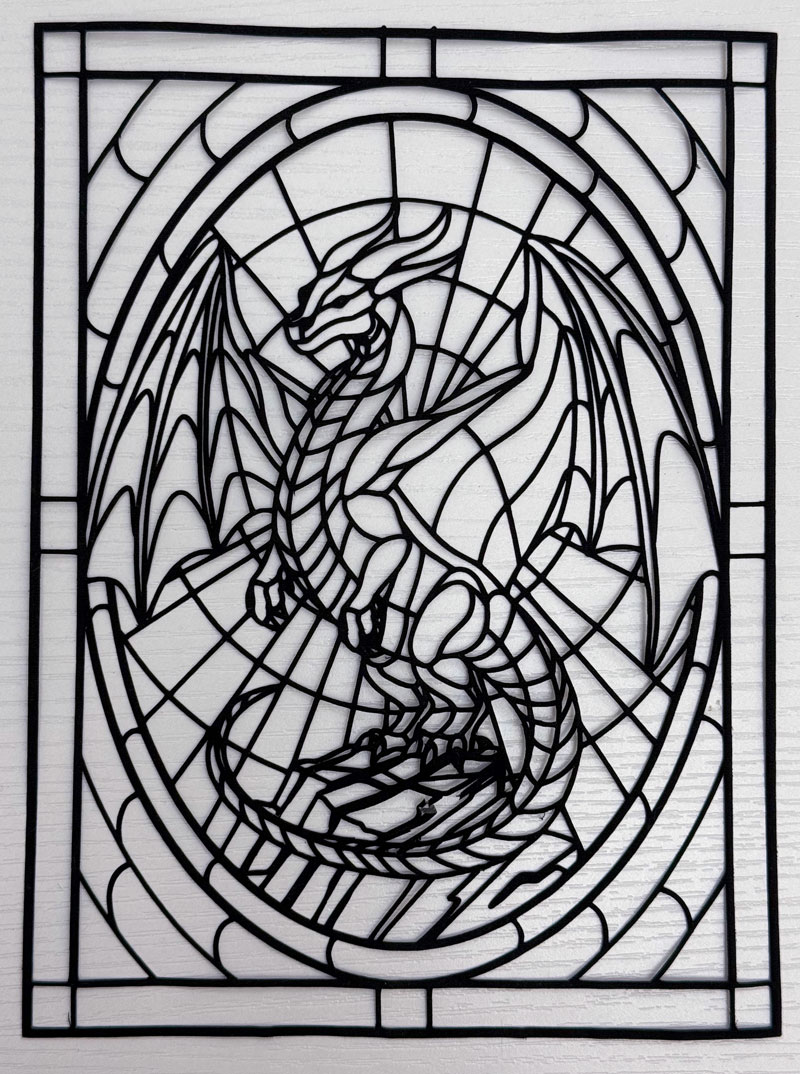
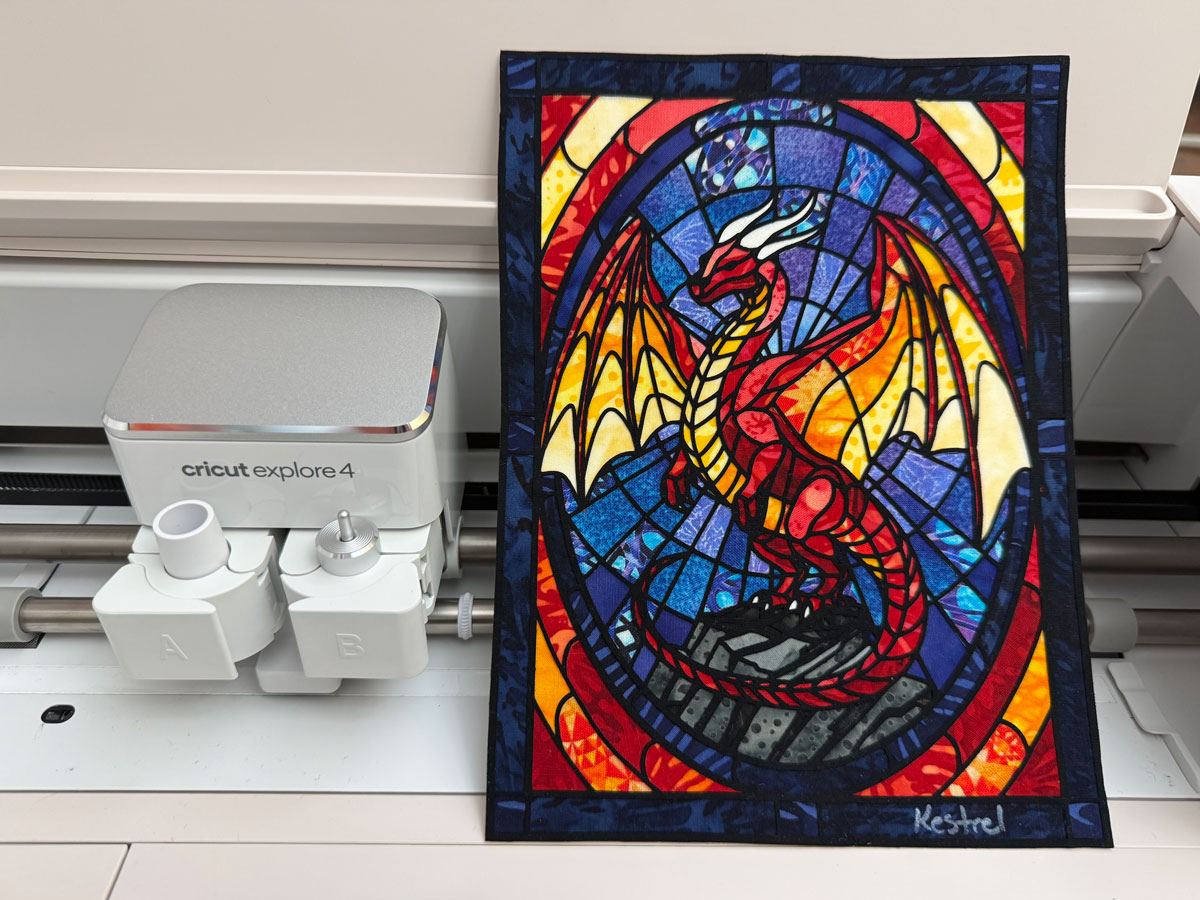
My new machine cut all of the fabric pieces for this little project, but the caming was by far the trickiest piece. And I'm delighted with the finished result!
Final Thoughts
Overall, using the Explore Air 4 felt like driving a new car vs an old car. It was just tight in a way the old machine hasn't been for a long time. I'm 96% happy with the new one, and I plan to use it full-time going forward.
What about that 4%? Well, twice during the process of cutting fabric for the stained glass dragon, the software gave me an error message that a longer sticky mat was needed. In both situations, the project I had designed fit onto a 12" x 24" sticky mat and that was what was fed into the machine.
I was able to fix the problem by restarting the machine, but it seems I have a small hiccup to work out. But it's nothing I can't handle.